Research findings on camera FOV, lens length, limb proportion due to proximity, and dolly zoom implementation in Warudo Pro.
The reference images describe two distinct visual effects that require different technical solutions.
Effect A: Proximity Limb Distortion - goes beyond what any real camera lens produces. Anime artists deliberately scale limbs beyond physical accuracy. Requires per-bone scaling or blend shapes (localized, per-limb).
Effect B: Extreme Stylized FOV - dramatic wide-angle or fisheye-like compositions for emotional impact. Reproducible with FOV + camera distance manipulation and optional lens distortion post-processing (global, scene-wide).
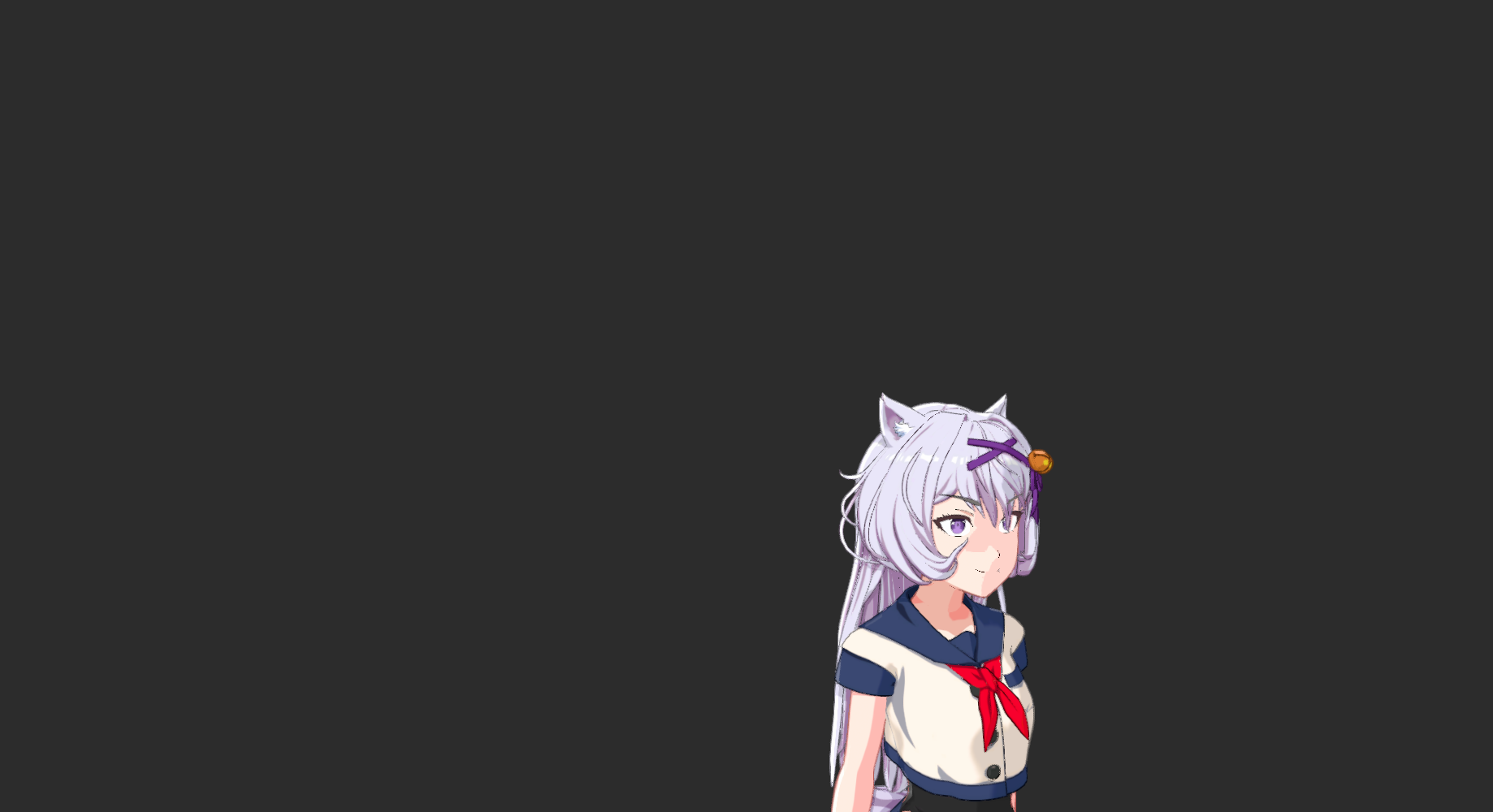
Camera distance adjusted at each FOV to keep the character at the same apparent size, isolating the actual perspective distortion effect. Use arrows or keyboard to flip between shots for direct comparison.
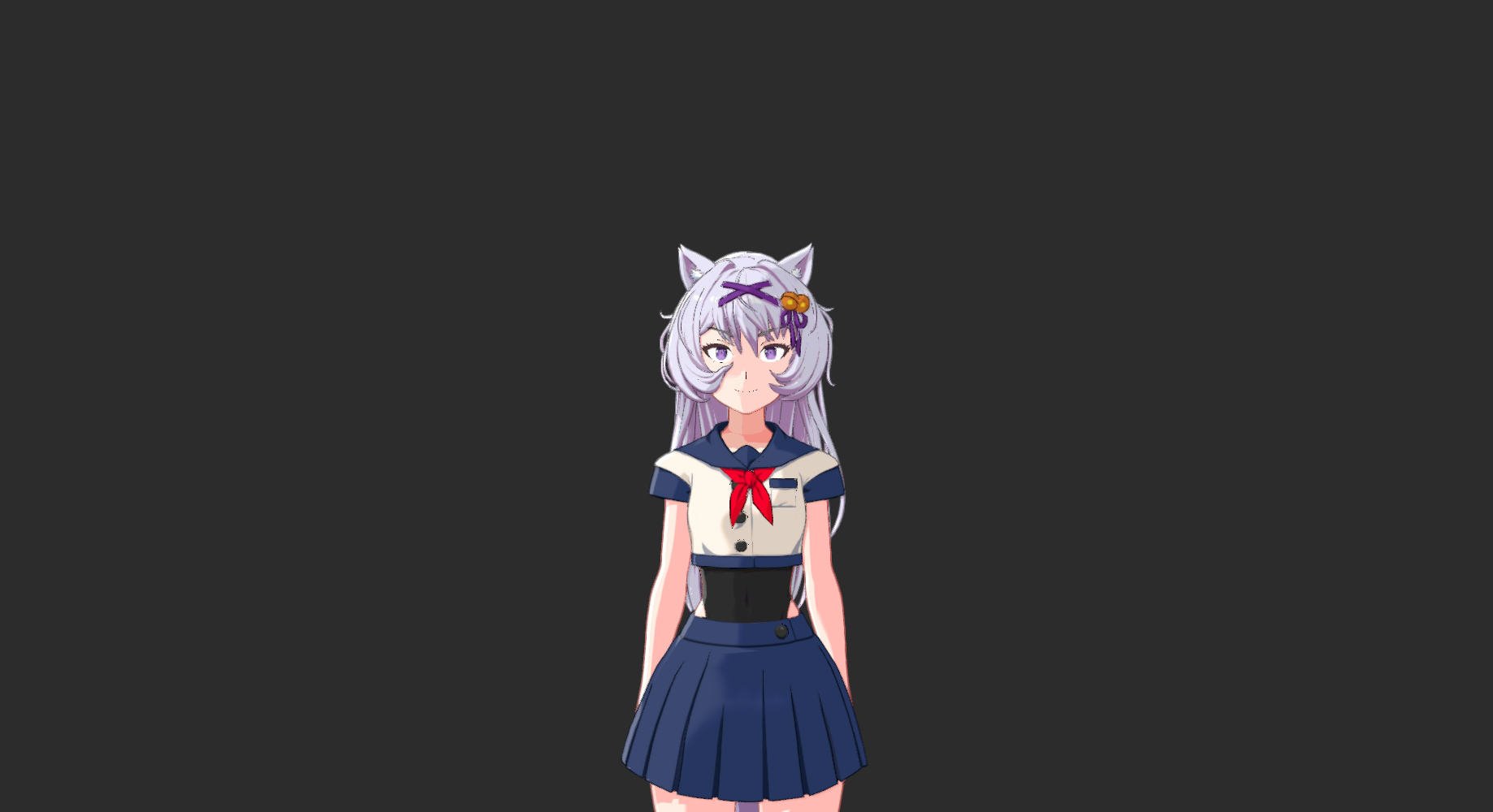
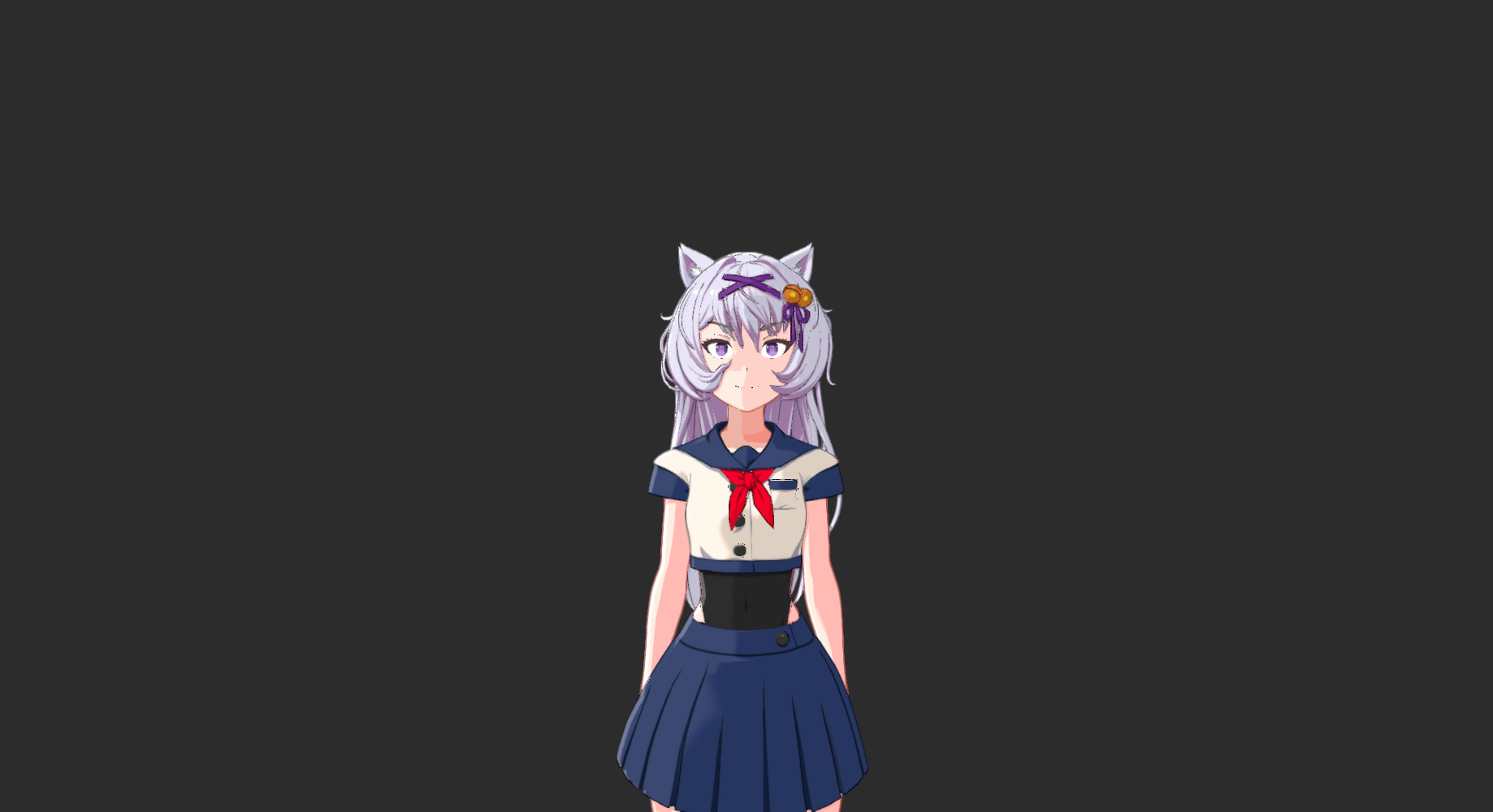
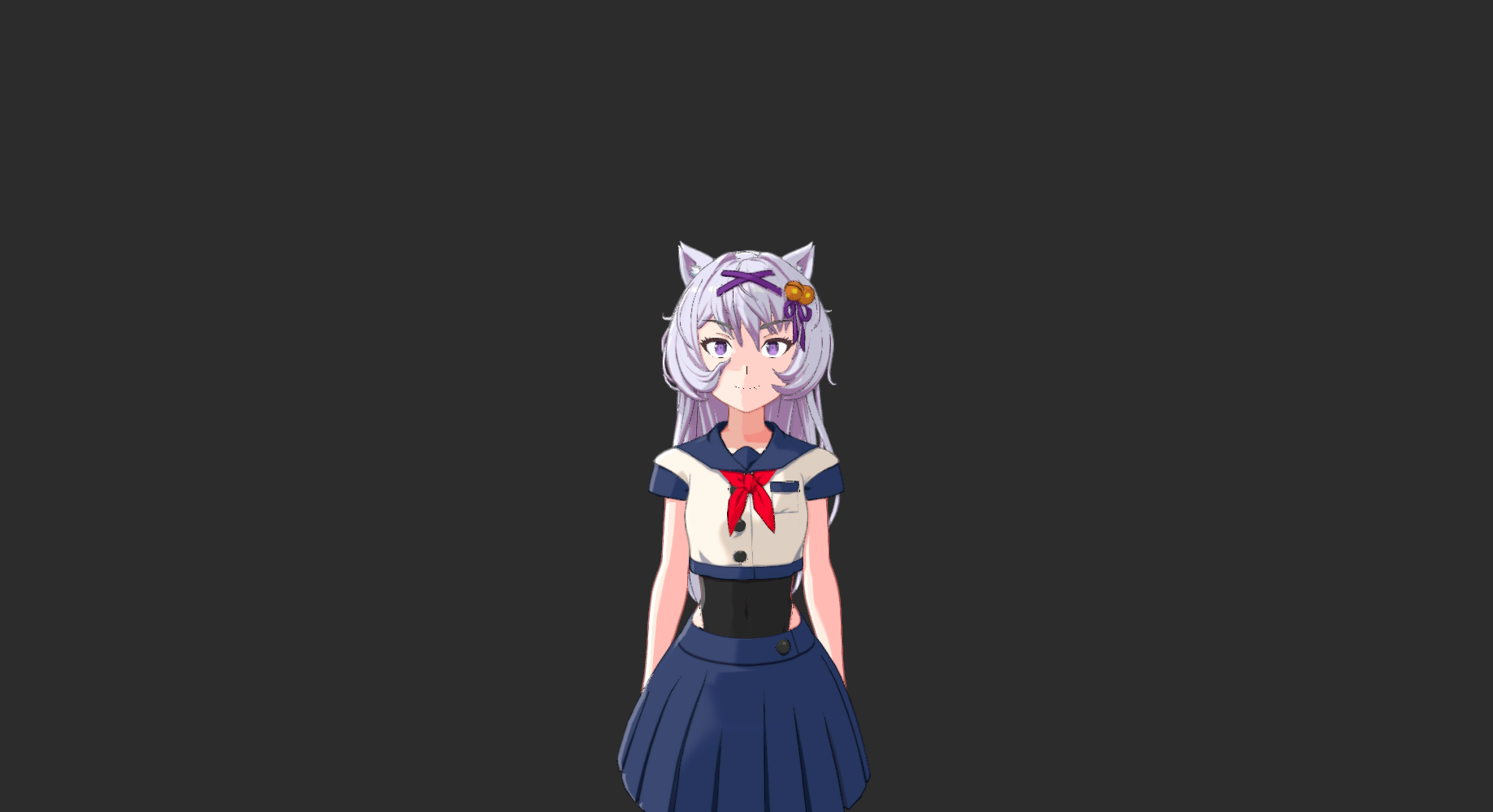
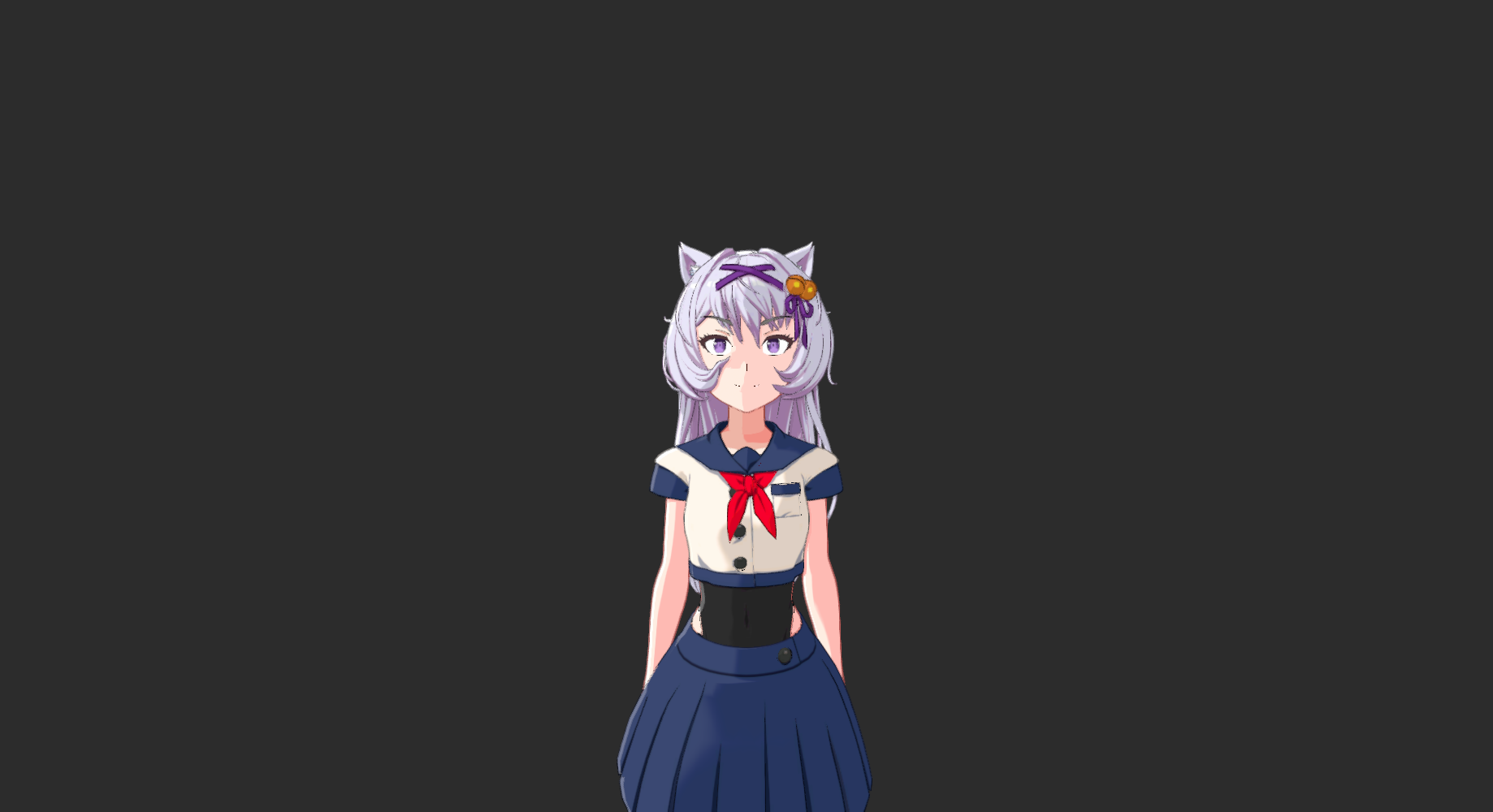
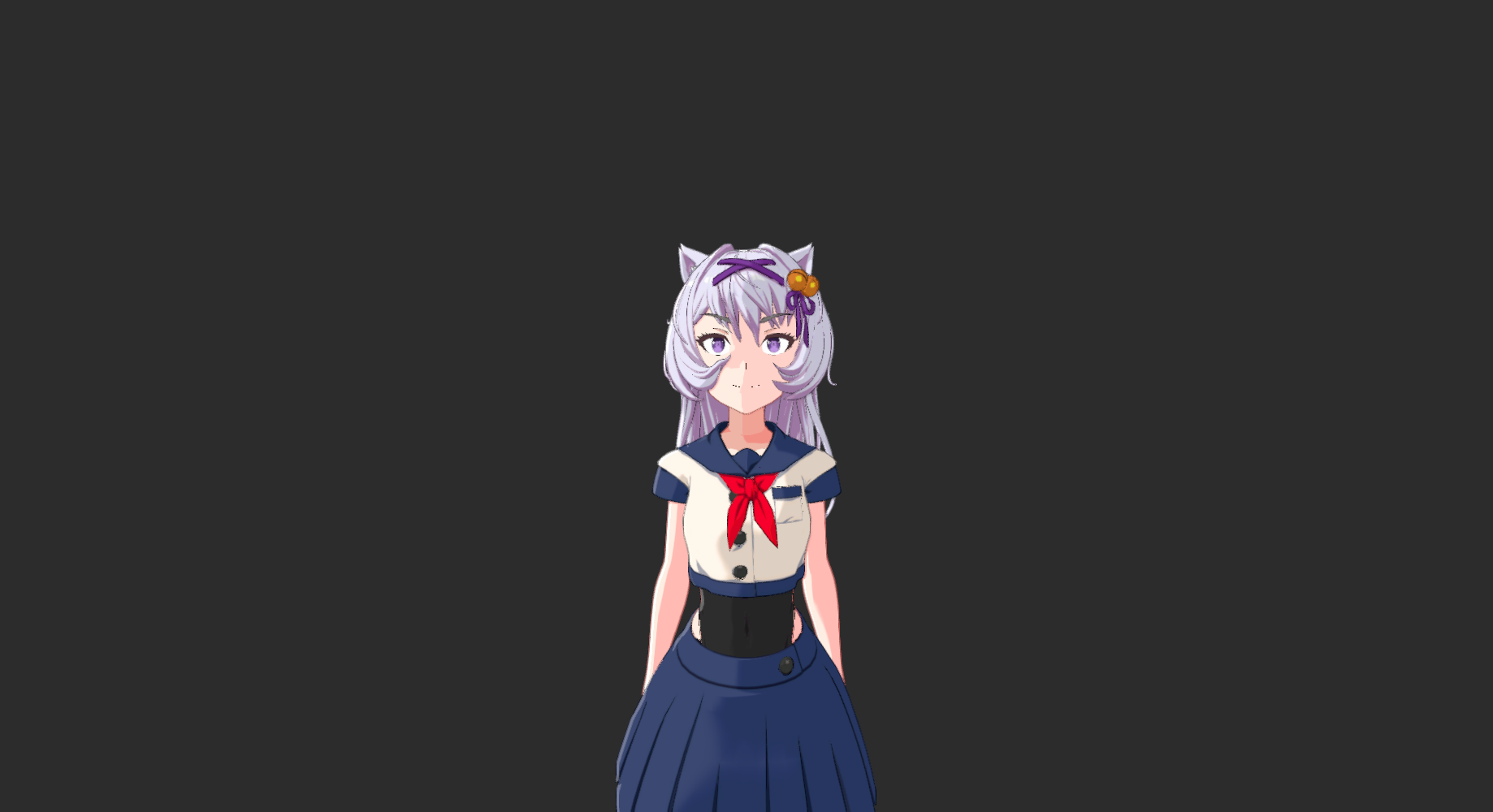
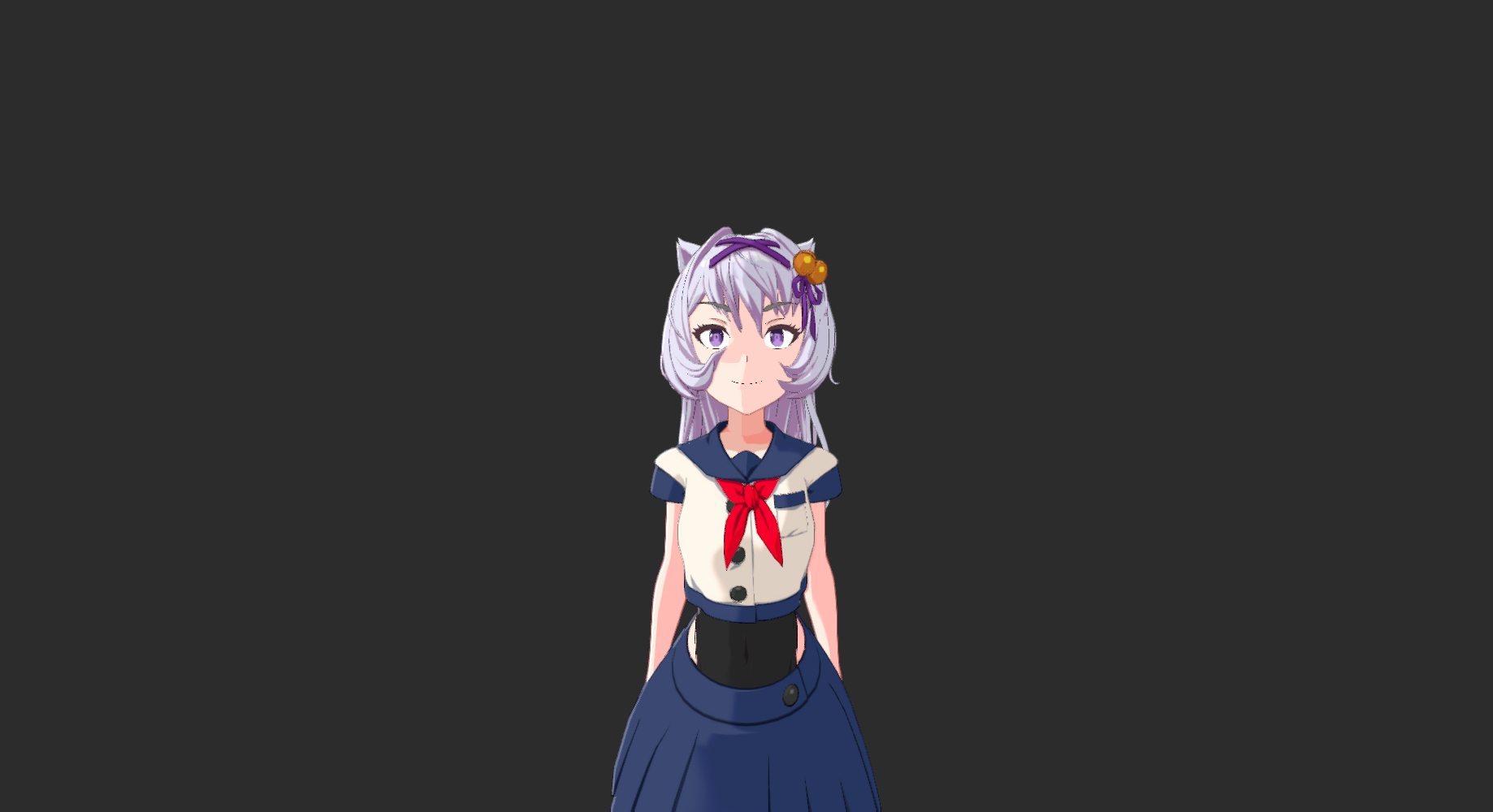
FOV 70-90 with camera moved in close gets ~60-70% of the anime perspective effect through physically accurate lens distortion. The remaining 30-40% seen in the reference images requires supplemental per-bone scaling or blend shapes.
| FOV | ~Focal Length | Character | Use Case |
|---|---|---|---|
| 1.5° | ~1146mm | Near-ortho | Current "Ortho/Flat" camera. Zero perspective. |
| 10° | ~200mm | Telephoto | Flat anime portrait look. Uniform proportions. |
| 30° | ~55mm | Normal | Standard framing. Current Front camera. |
| 50° | ~38mm | Moderate wide | Subtle perspective. Shoulders read wider. |
| 70° | ~27mm | Wide | Clear distortion. Good for action/drama. |
| 90° | ~18mm | Ultra wide | Strong distortion. Dramatic energy. |
| 110° | ~12mm | Fisheye | Extreme. Edge warping visible. |
Dramatic camera positions relevant to the reference images. Click any image to zoom.
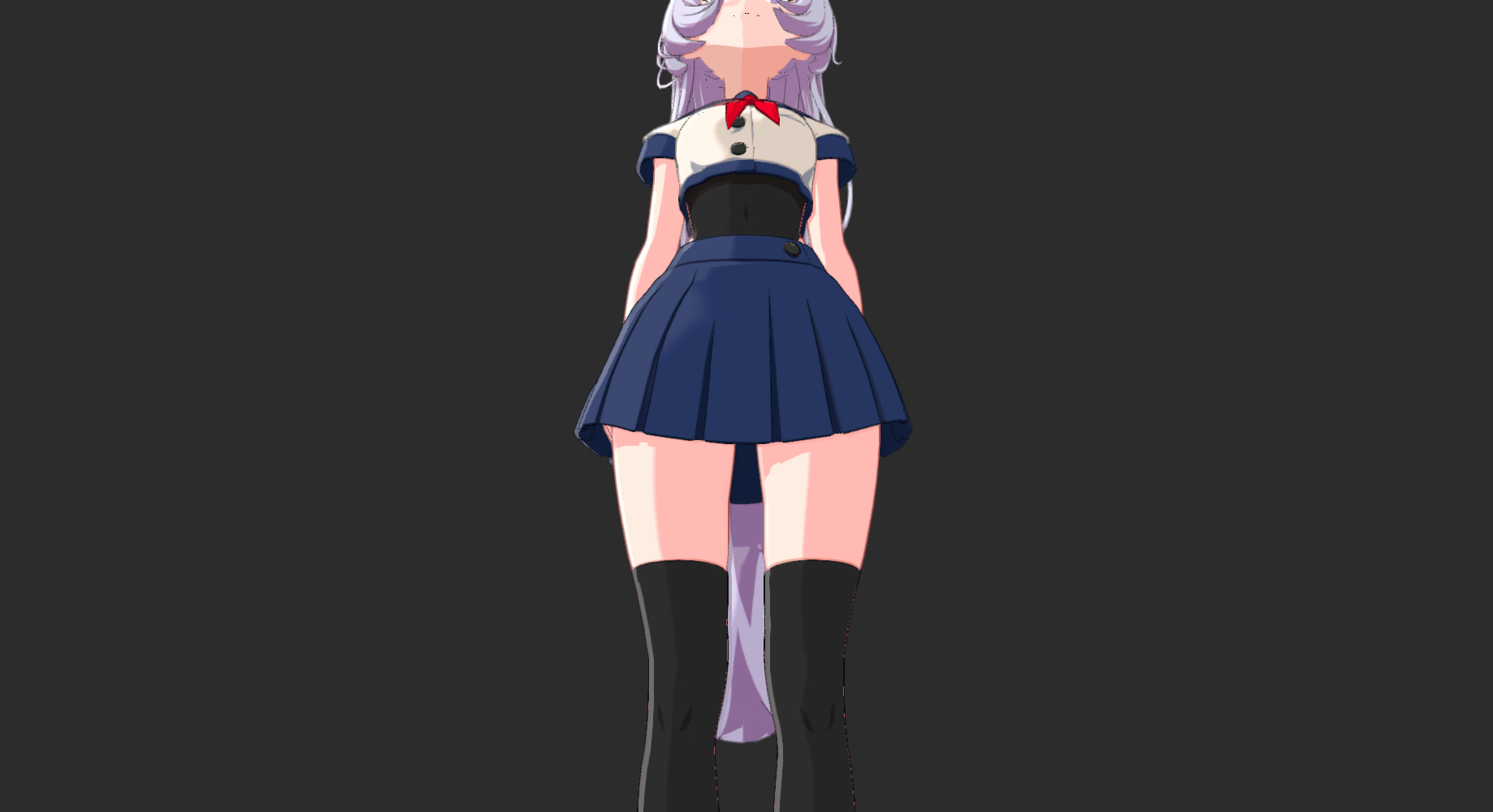
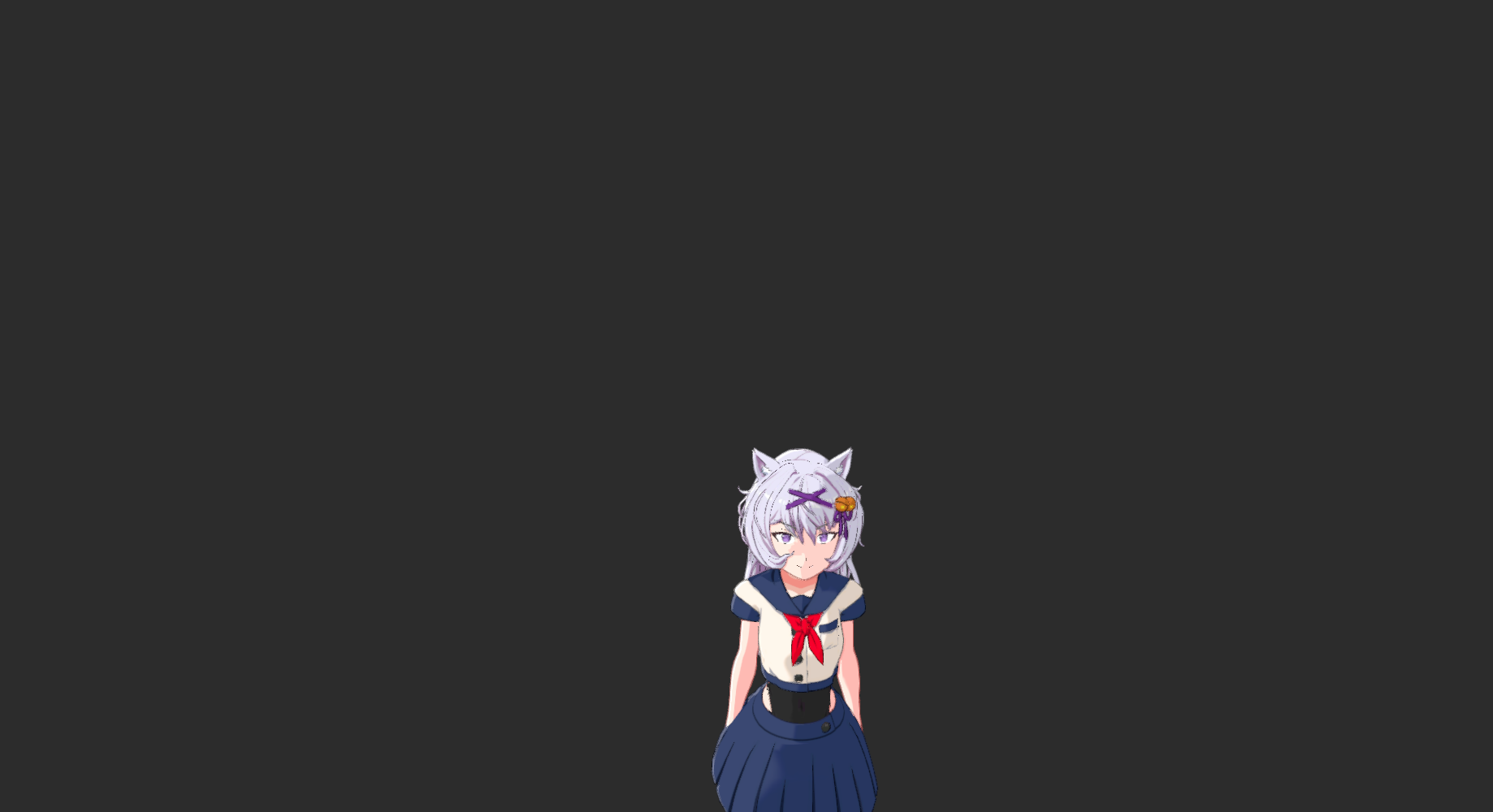
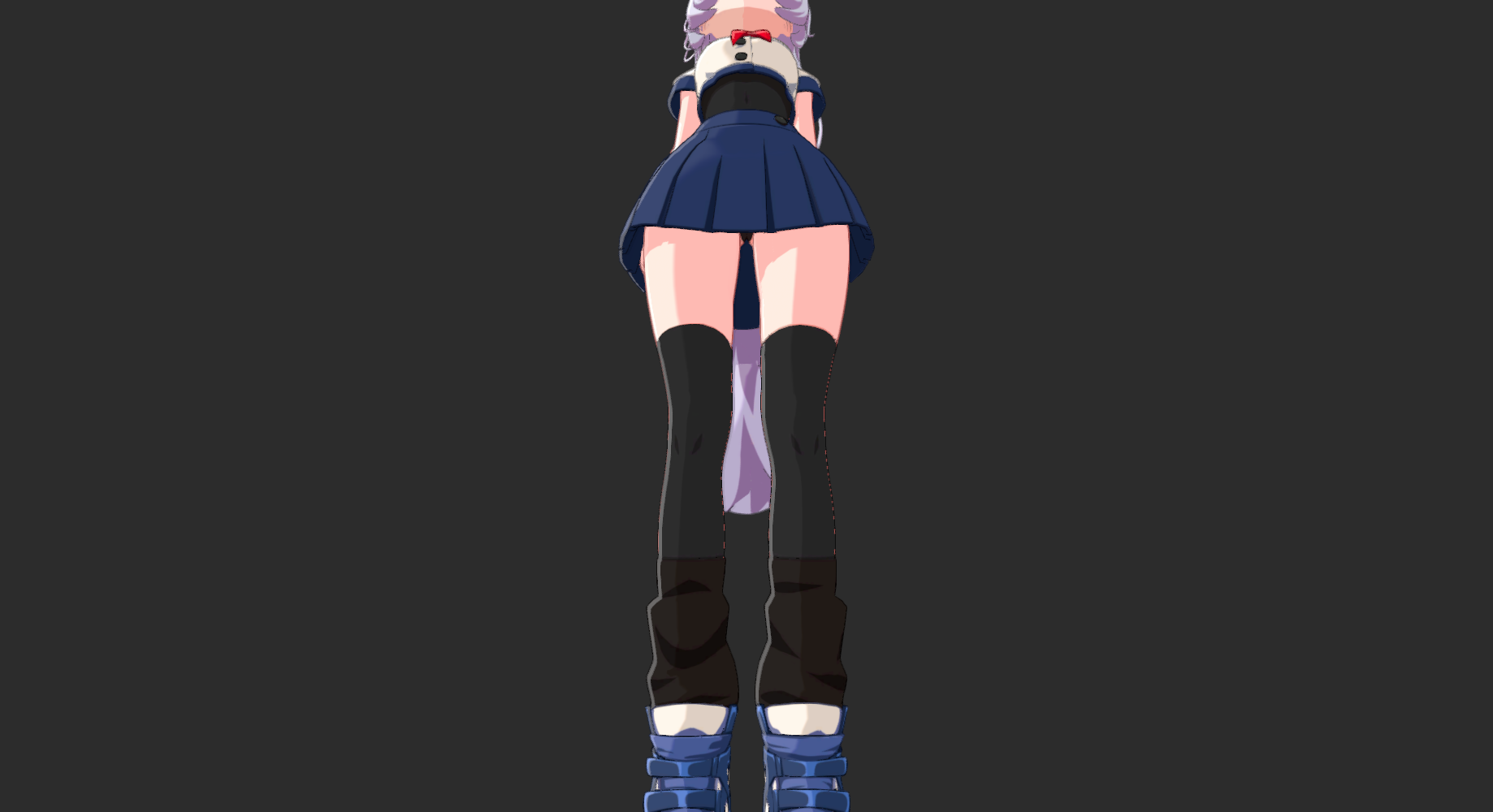
Simultaneous camera movement + FOV adjustment. Subject stays the same apparent size while perspective warps dramatically. Click to zoom and compare.
frustumHeight = 2 * distance * tan(FOV / 2)
newFOV = 2 * atan(frustumHeight / (2 * newDistance))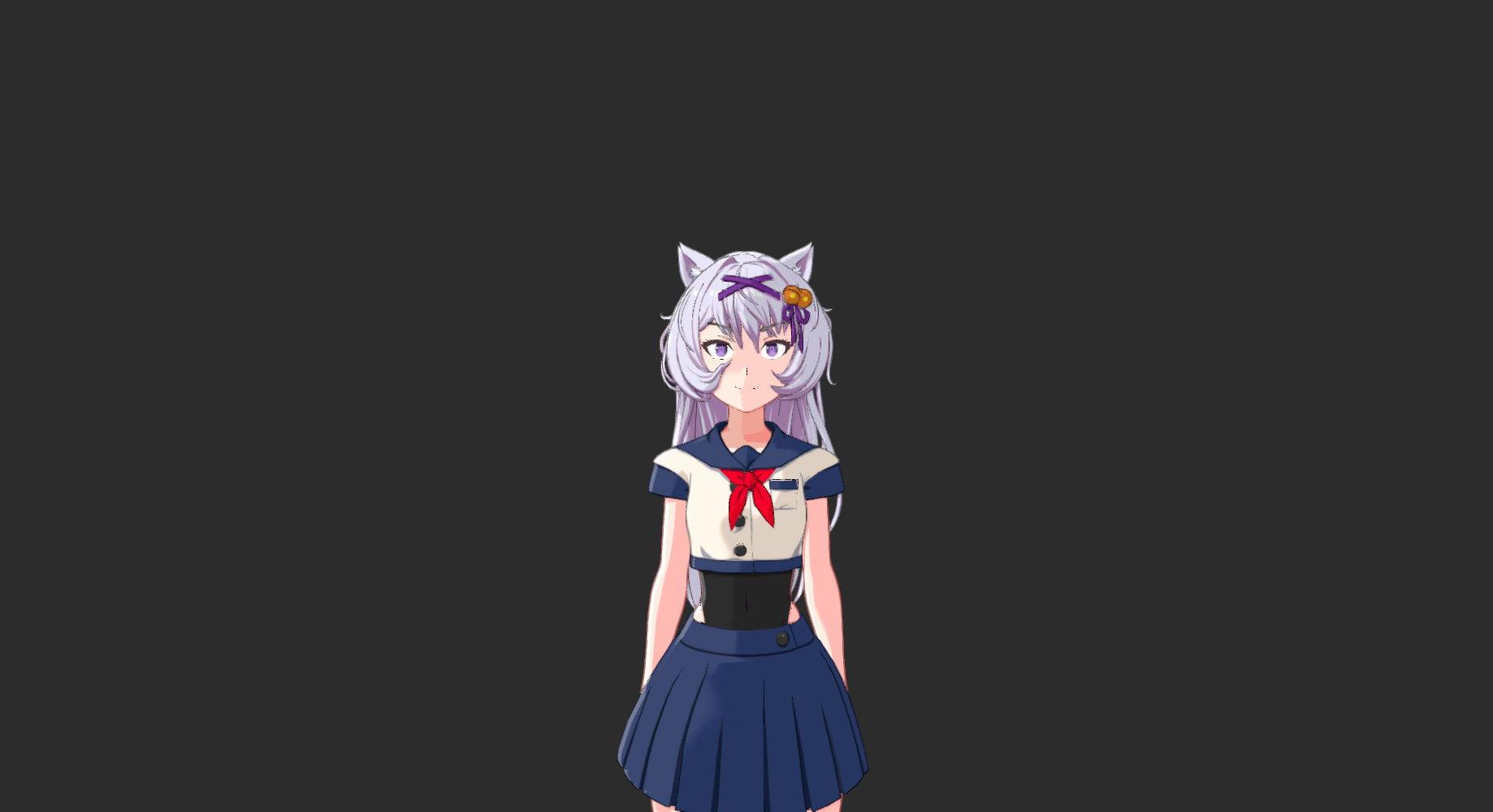
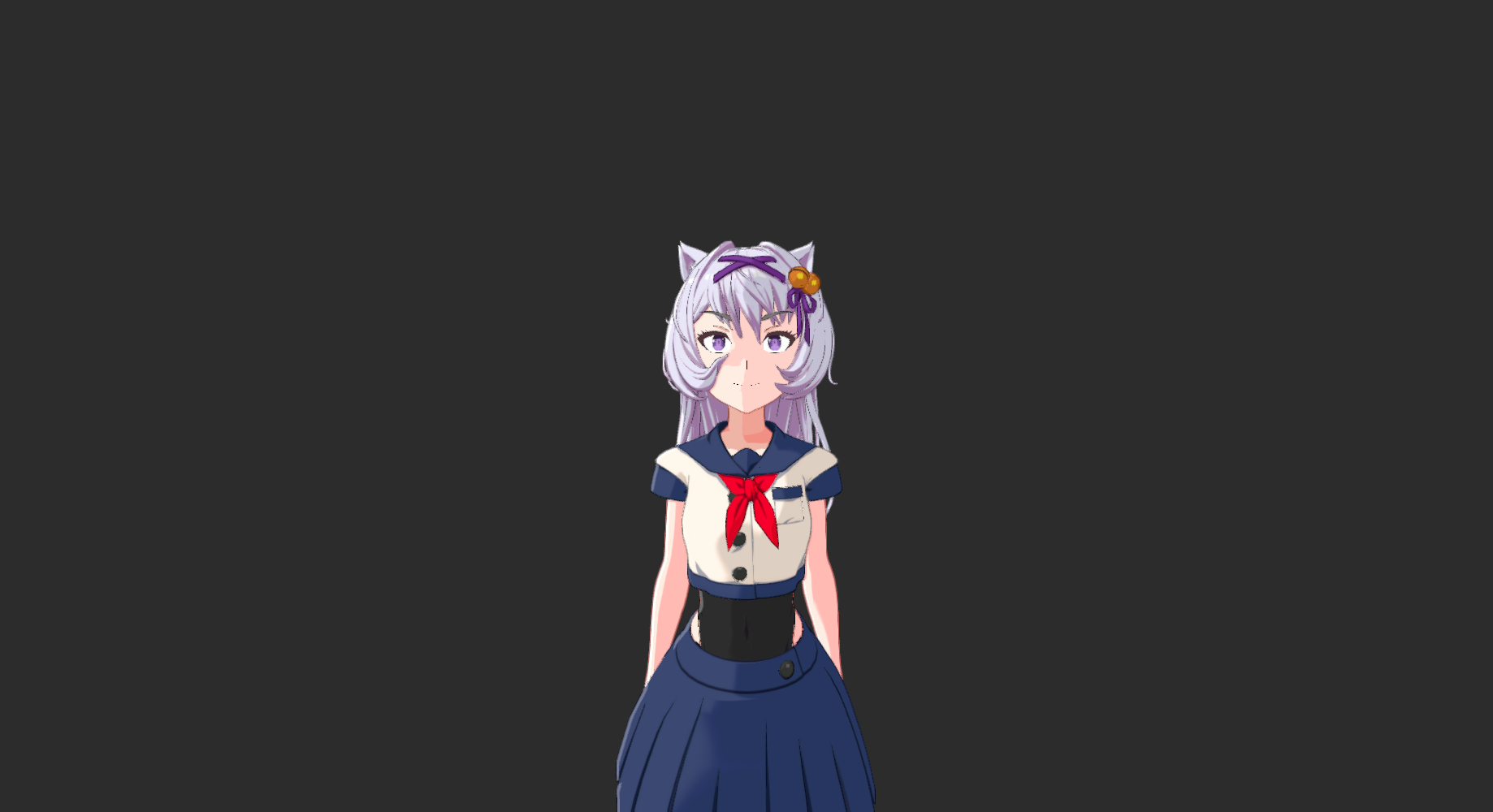
Dolly zoom confirmed working with simultaneous FOV + position transitions (3s Linear easing). Character stays roughly the same apparent size while perspective shifts dramatically.
Side profile orbiting to front with FOV widening. Uses CAMERA_ORBIT_CHARACTER node with staggered delay — zoom starts first, rotation follows 2.5s later.
Free camera moving through space — no target lock. Character drifts naturally through frame. Uses SET_ASSET_TRANSFORM with InOutQuad easing for smooth ramp in/out.
| Approach | Effort | Fidelity | Notes |
|---|---|---|---|
| Blueprint: matched transitions | ● | ~90% | Minor drift from easing mismatch. Good enough for live. |
| C# Plugin: per-frame math | ● | 100% | Perfect formula. Custom Warudo node. |
No dedicated Blueprint nodes for lens distortion, chromatic aberration, or any post-processing effect. The only programmatic path is SET_ASSET_PROPERTY which requires undocumented DataPath strings. Lens distortion cannot currently be animated during a live stream without discovering those paths.
Two Post Processing Volumes exist in the scene ("Overcast" and "Sunny"). Each camera also has per-camera post-processing. Available: barrel/pincushion distortion, chromatic aberration, vignetting, depth of field with bokeh, film grain.
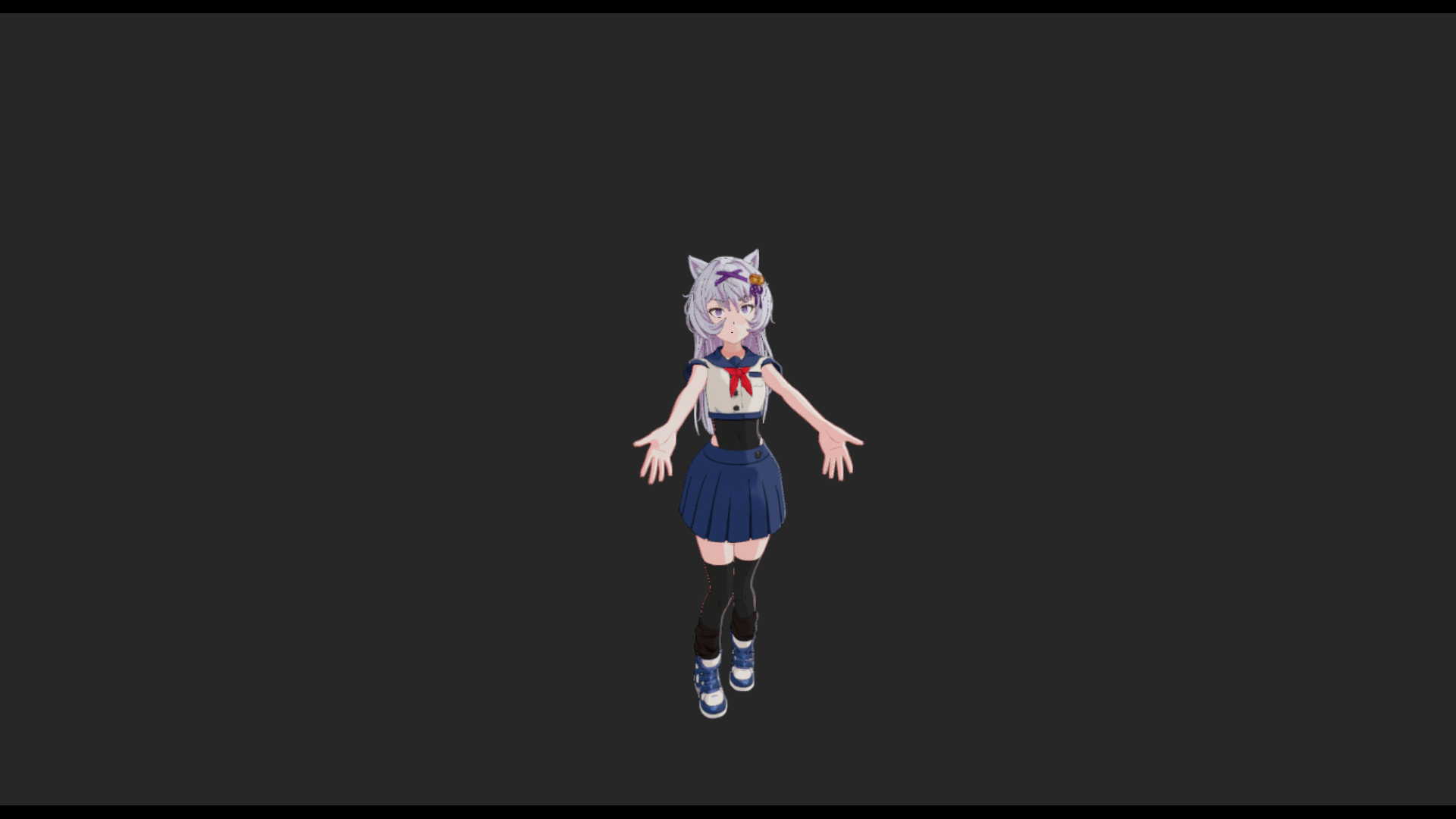
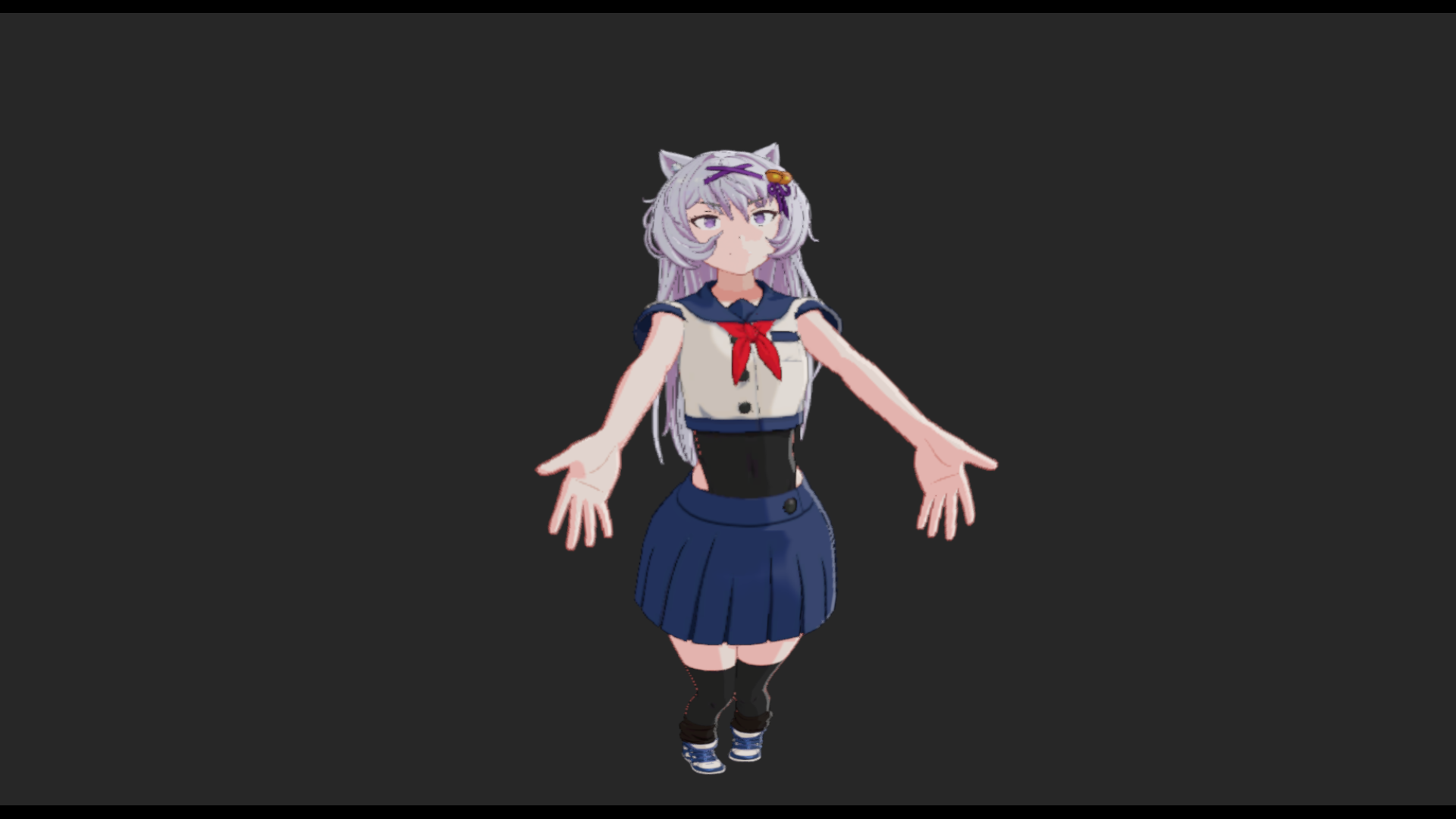
Barrel distortion applied via the Post Processing Volume adds a subtle wide-angle lens feel without changing the actual FOV. When combined with a wider FOV setting, this can push the image further toward the stylized anime fisheye look. The effect is currently only configurable through the Warudo UI — programmatic control requires discovering the internal DataPath strings for SET_ASSET_PROPERTY.
Recommendation: Use lens distortion as a static preset layered on top of FOV changes. Invest time discovering DataPaths to unlock animated lens distortion for dynamic cinematic moments.
For Effect A (proximity limb distortion beyond physical accuracy):
Distance from bone to camera = scale multiplier. Uses existing nodes: GET_CHARACTER_BONE_POSITION, VECTOR3_DISTANCE, SET_CHARACTER_BONE_SCALE.
● No model changes needed.
Caveat: stretches textures rather than reshaping geometry.
Pre-authored deformation shapes for hands, feet, head. Higher fidelity mesh reshaping. Art-directed.
● Requires artist/contractor.
Integrates with existing 58-node camera corrective blueprint.
Different body parts, different virtual cameras in one frame. SIGGRAPH 2011. How anime artists actually think.
Future R&D
Not implementable in Warudo today. Long-term endgame.
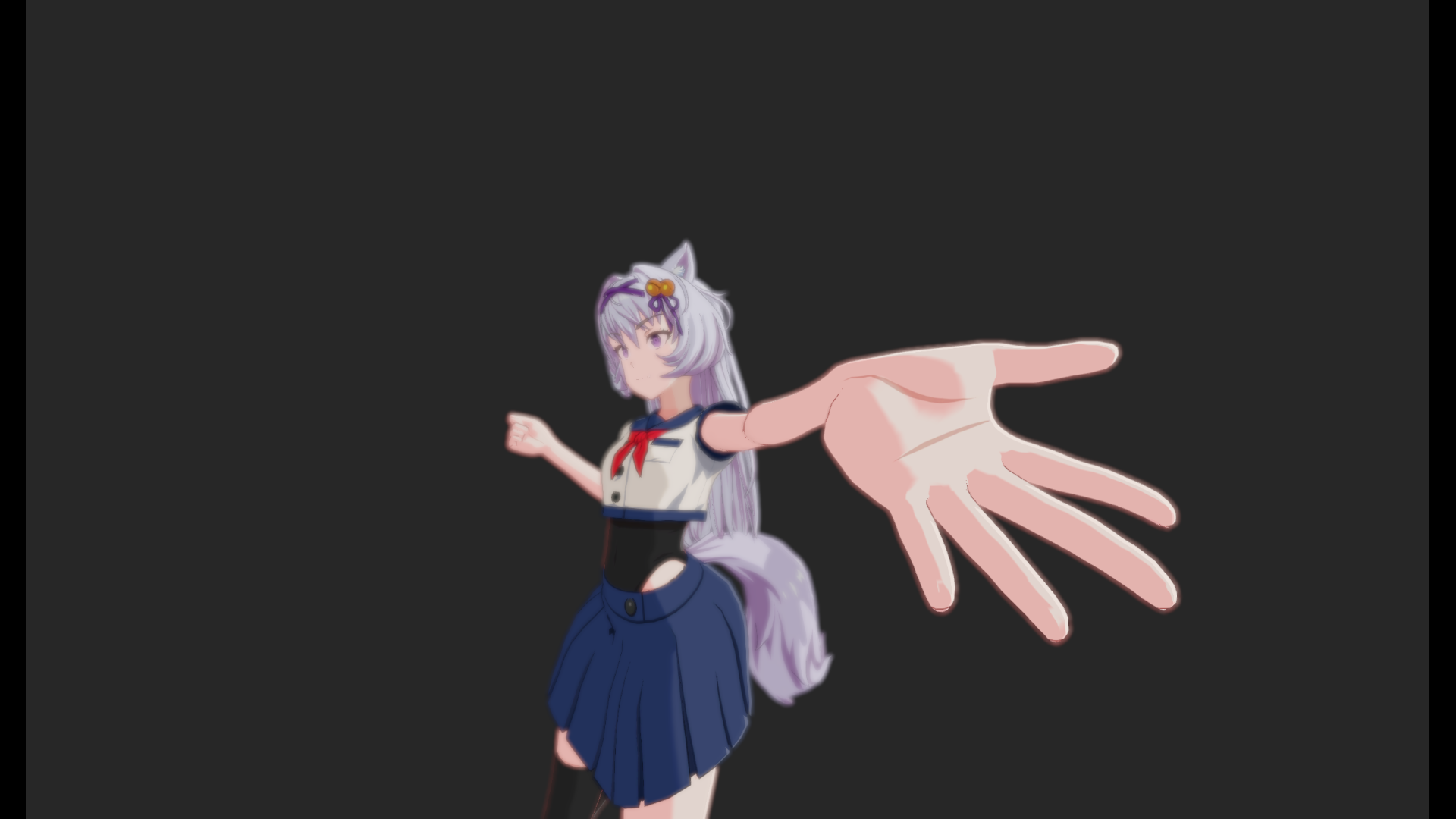
Working prototype built in Warudo Blueprints. The hand bone scales from 1.0x (normal) to 1.8x as the camera approaches, with the upper arm following at a gentler 1.0x-1.3x curve. Combined with depth of field post-processing to keep the near hand sharp while the character's face softens — matching the anime reference aesthetic from the provided images.
A longer transition time was added to the SET_CHARACTER_BONE_SCALE node to make the scaling visible in real time. As the camera orbits closer to the outstretched hand, the hand and upper arm smoothly scale up — and as the camera pulls away, they ease back down to normal proportions. This demonstrates the per-bone proximity scaling system working dynamically, driven entirely by camera-to-bone distance calculated every frame.
The existing "Camera-Based Blendshapes" blueprint (58 nodes) already calculates camera-to-character angles per frame and drives corrective blend shapes. This architecture can be extended for proximity-based effects.
| Category | Key Nodes |
|---|---|
| Camera | SET_CAMERA_FIELD_OF_VIEW (animated), CAMERA_ORBIT_CHARACTER, SHAKE_CAMERA, BRIGHTNESS/CONTRAST/VIBRANCE/TINT/LUT, TOGGLE_CAMERA, FOCUS_CAMERA, GET_MAIN_CAMERA |
| Bone | GET_CHARACTER_BONE_POSITION, GET/SET_CHARACTER_BONE_SCALE (with transitions), OVERRIDE_BONE_POSITIONS/ROTATIONS |
| BlendShape | SET_CHARACTER_BLENDSHAPE (animated), OVERRIDE_CHARACTER_BLENDSHAPES, + 15 utility nodes |
| Math | VECTOR3_DISTANCE, Float math (add/sub/mul/div/clamp/lerp), comparisons |
| Flow | ON_UPDATE (per-frame), ON_MCP_TRIGGER, sequences, branches |
| Custom | Calculate Camera Corrective Weights (15-dir), Apply 15 Camera Correctives, Relative/View Angles |